Multimodal Input
Voice, images, file uploads, and document attachments
Multimodal Input: Your Data, Your Way
Kreye is designed to be flexible, allowing you to add context to your workspace in various formats.
AI Chat Input Options
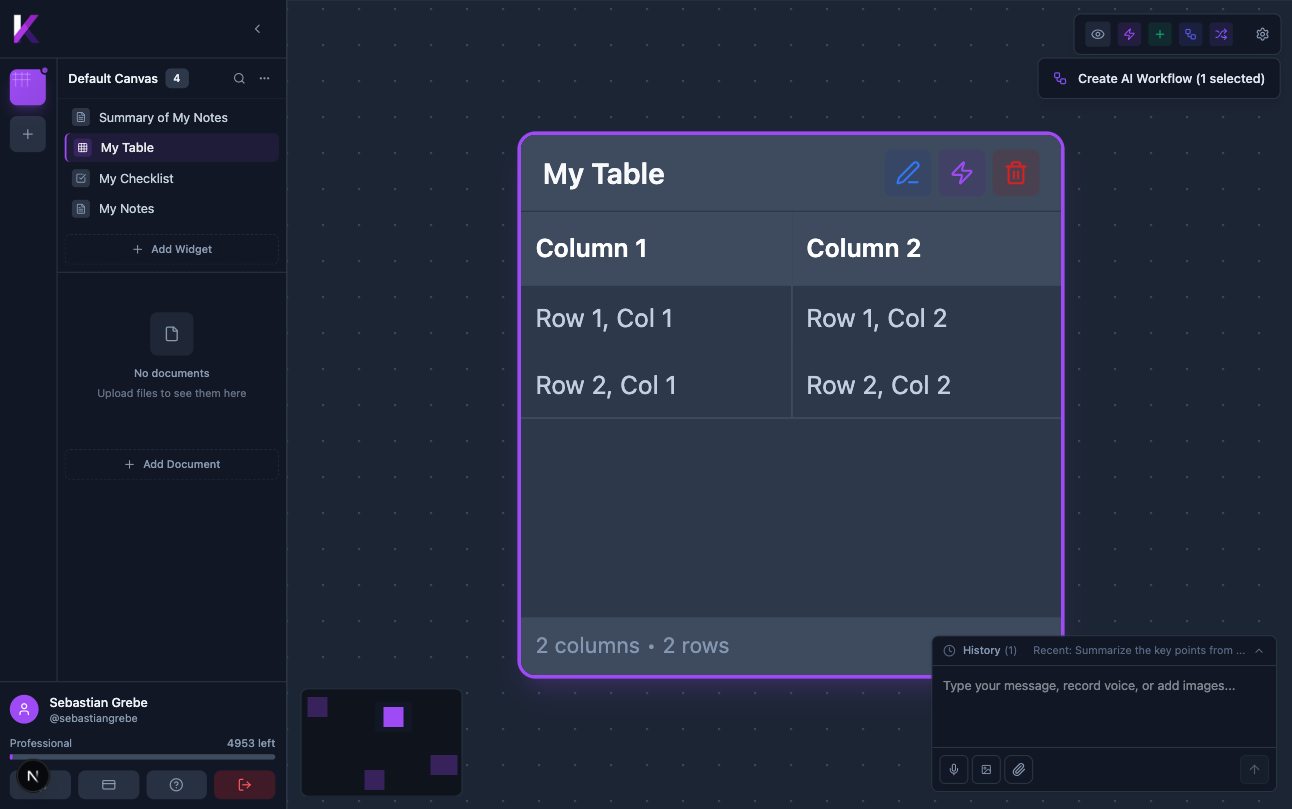
The AI Chat Panel at the bottom-right of the screen supports multiple input methods:
| Icon | Function |
|---|---|
| Microphone | Record a voice message |
| Image | Attach an image for the AI to analyse |
| Paperclip | Attach a file as context |
Uploading Documents
The lower section of the sidebar lets you attach reference documents to a canvas. Click + Add Document to upload files. Uploaded documents appear in the sidebar and can be used as context for AI operations.
AI Processing
Kreye's AI will process uploaded content, extracting text from documents, transcribing audio, and analyzing images. This content can then be used to create new widgets or enrich your existing knowledge graph.