AI Assistant
Chat with AI, get responses as widgets, and view history
The AI Assistant
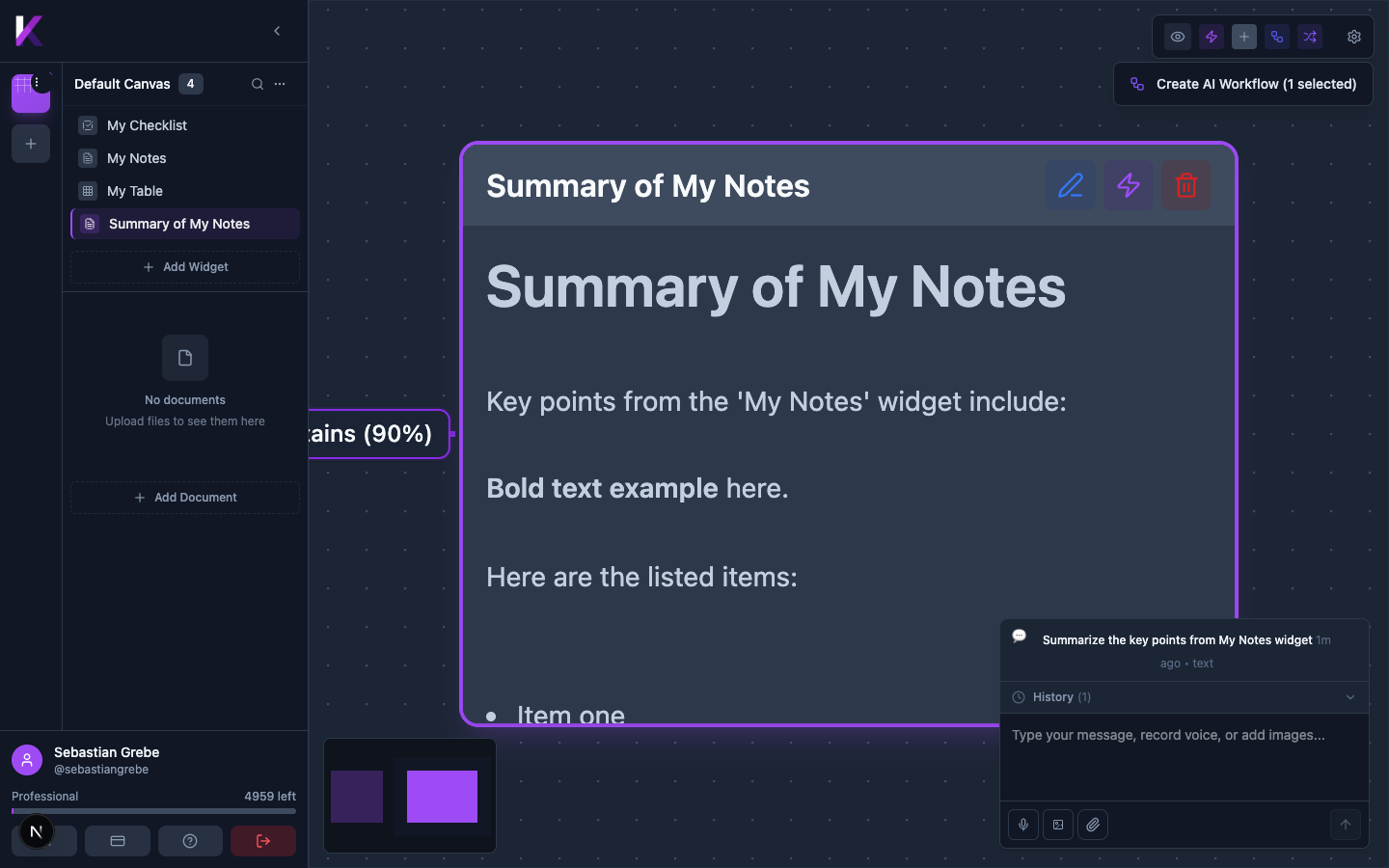
The AI Chat Panel is at the bottom-right of the screen. Type a message and press Enter (or click the send arrow) to interact with the AI.
AI Responses as Widgets
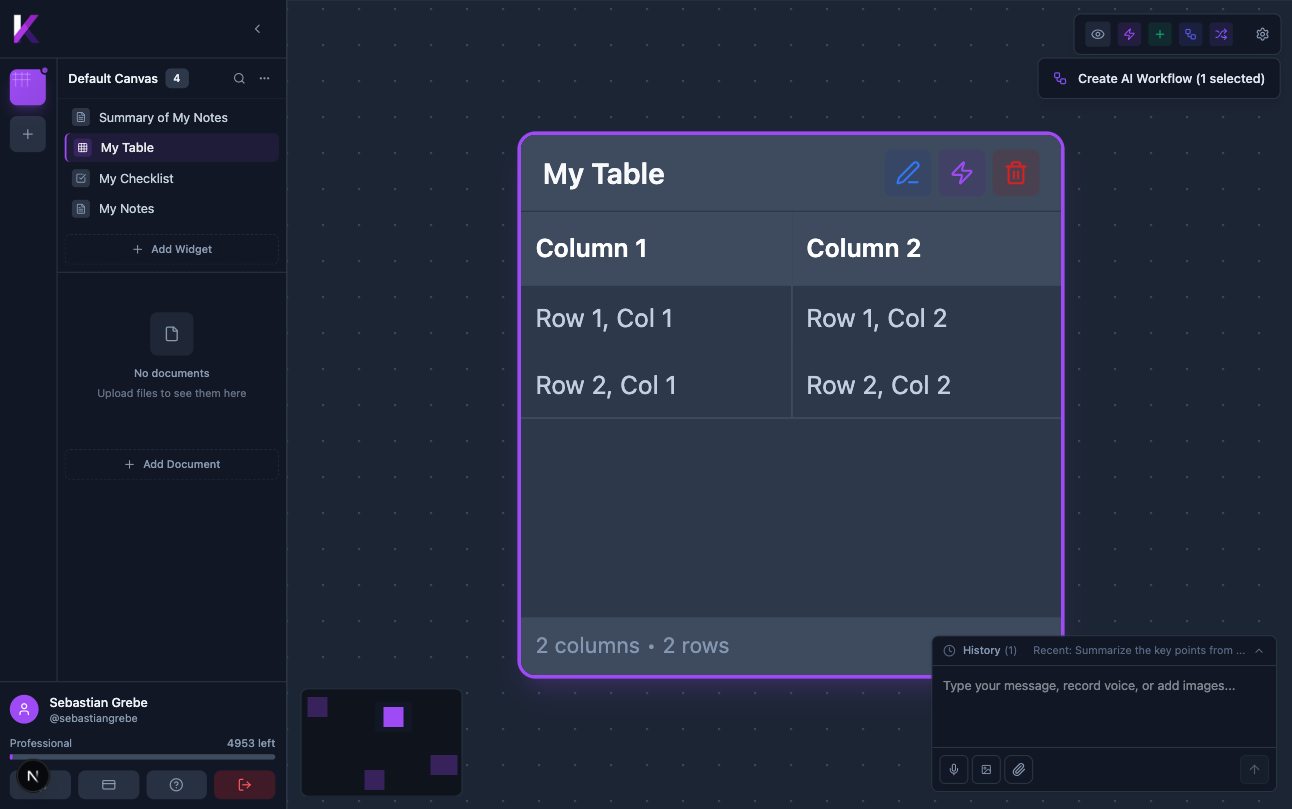
When you send a message, Kreye creates a new Rich Text widget on the canvas containing the AI's response. This keeps all AI-generated content organised directly in your workspace.
Conversation History
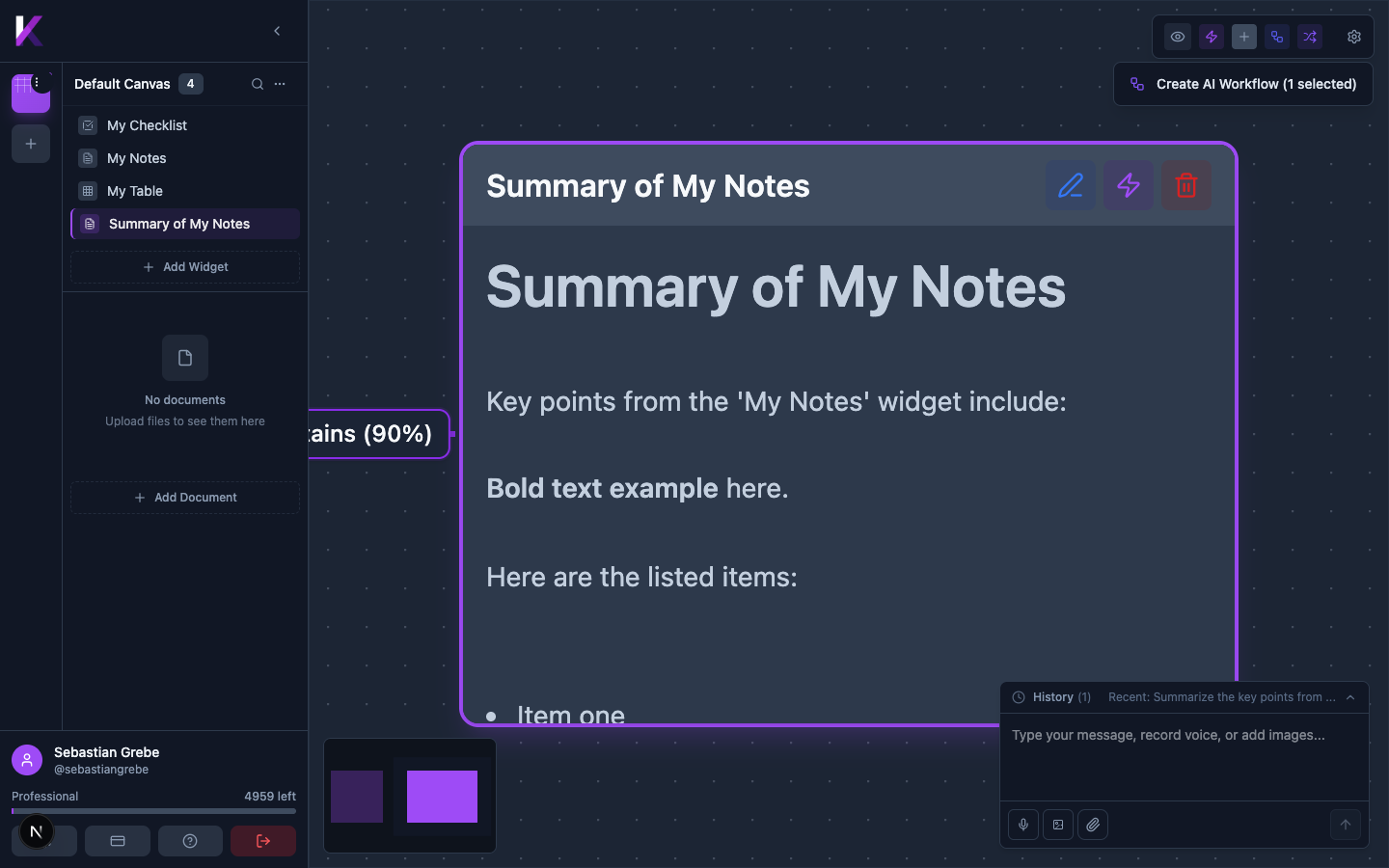
The History section (above the chat input) shows your previous conversations. Click the history header to expand or collapse the list.