Canvases & Subscriptions
Create and manage canvases, billing, and subscription plans
Canvases and Subscriptions
Kreye allows you to organize your work into different canvases, each serving as a dedicated workspace for a specific project or area of focus.
Creating a New Canvas
Click the + button in the top-left sidebar to open the "Create New Canvas" dialog.
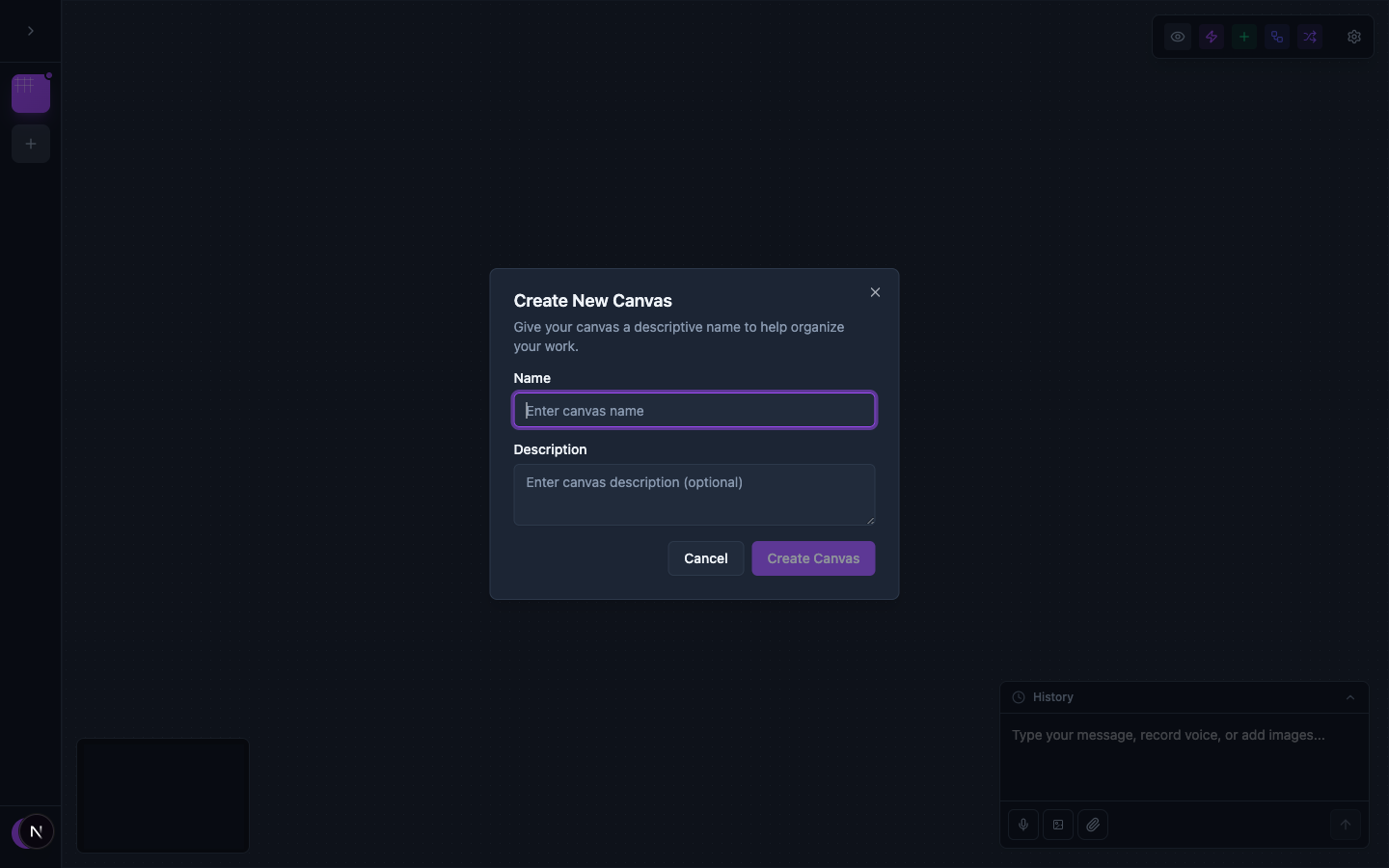
Enter a Name and optional Description, then click Create Canvas.
Managing a Canvas
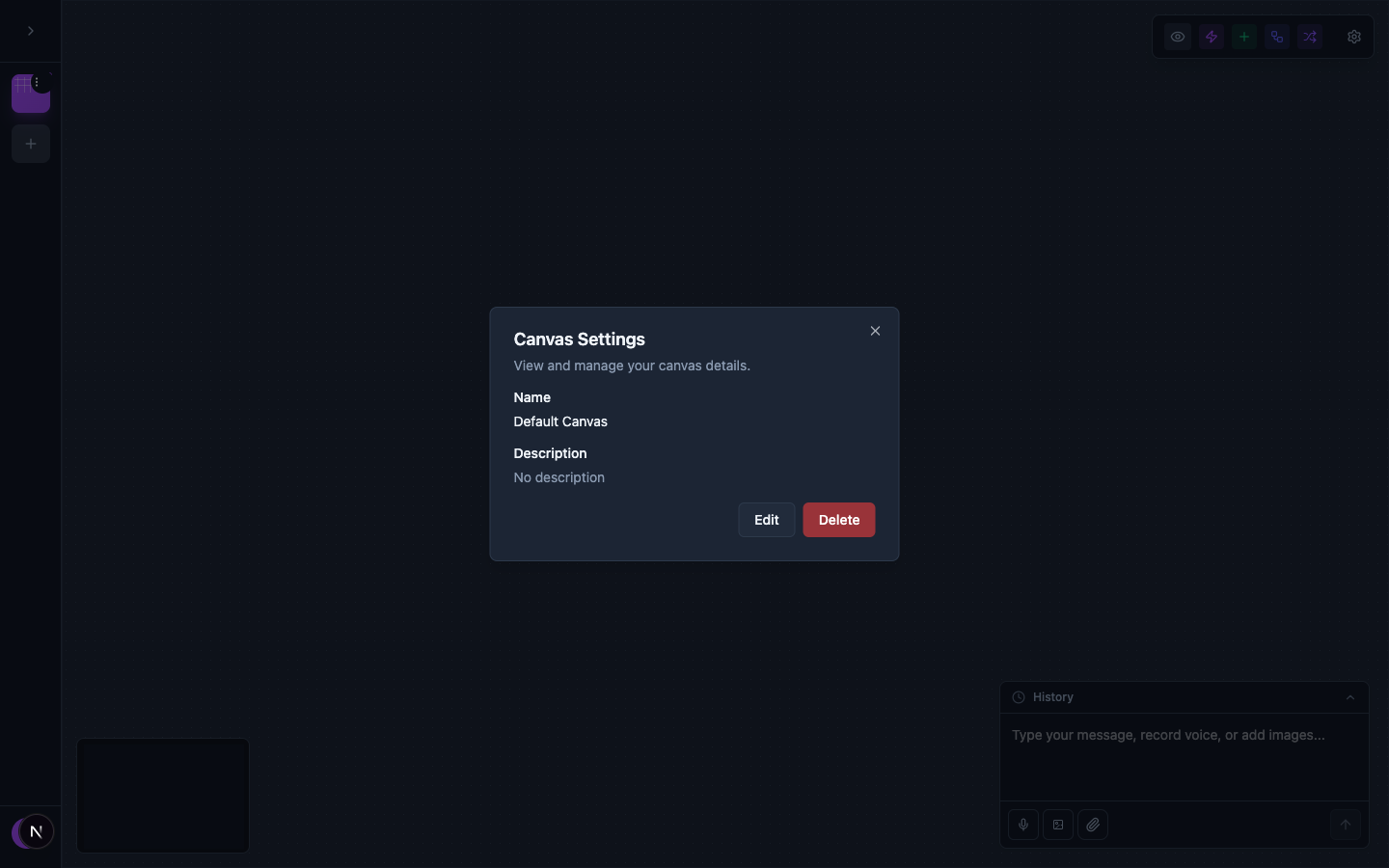
Click the three-dot menu next to your canvas name and choose Manage Canvas to view, edit, or delete the canvas.
Switching Between Canvases
The sidebar provides an easy way to navigate between your different canvases. Click any canvas name in the sidebar to switch to it.
Subscription Plans
Your subscription plan determines the number of canvases you can create and your monthly AI prompt limits.
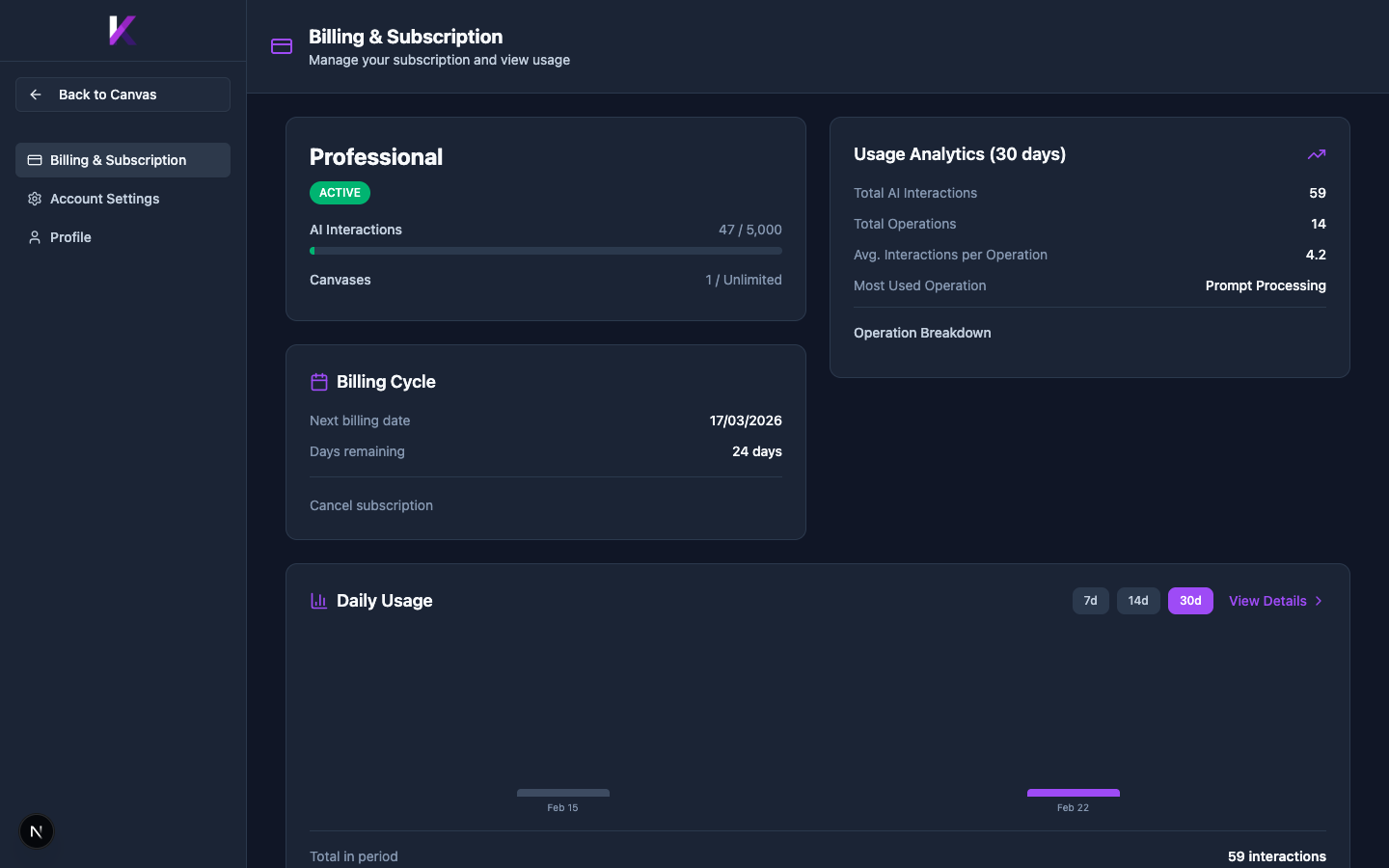
The Billing page displays your current plan, AI Interaction usage, number of canvases used, billing cycle details, and usage analytics charts. Access it via the card icon at the bottom of the sidebar.