Account & Settings
Profile, security, billing, and theme preferences
Account & Settings
Access account features from the bottom of the sidebar. Click the card icon to open the settings panel.
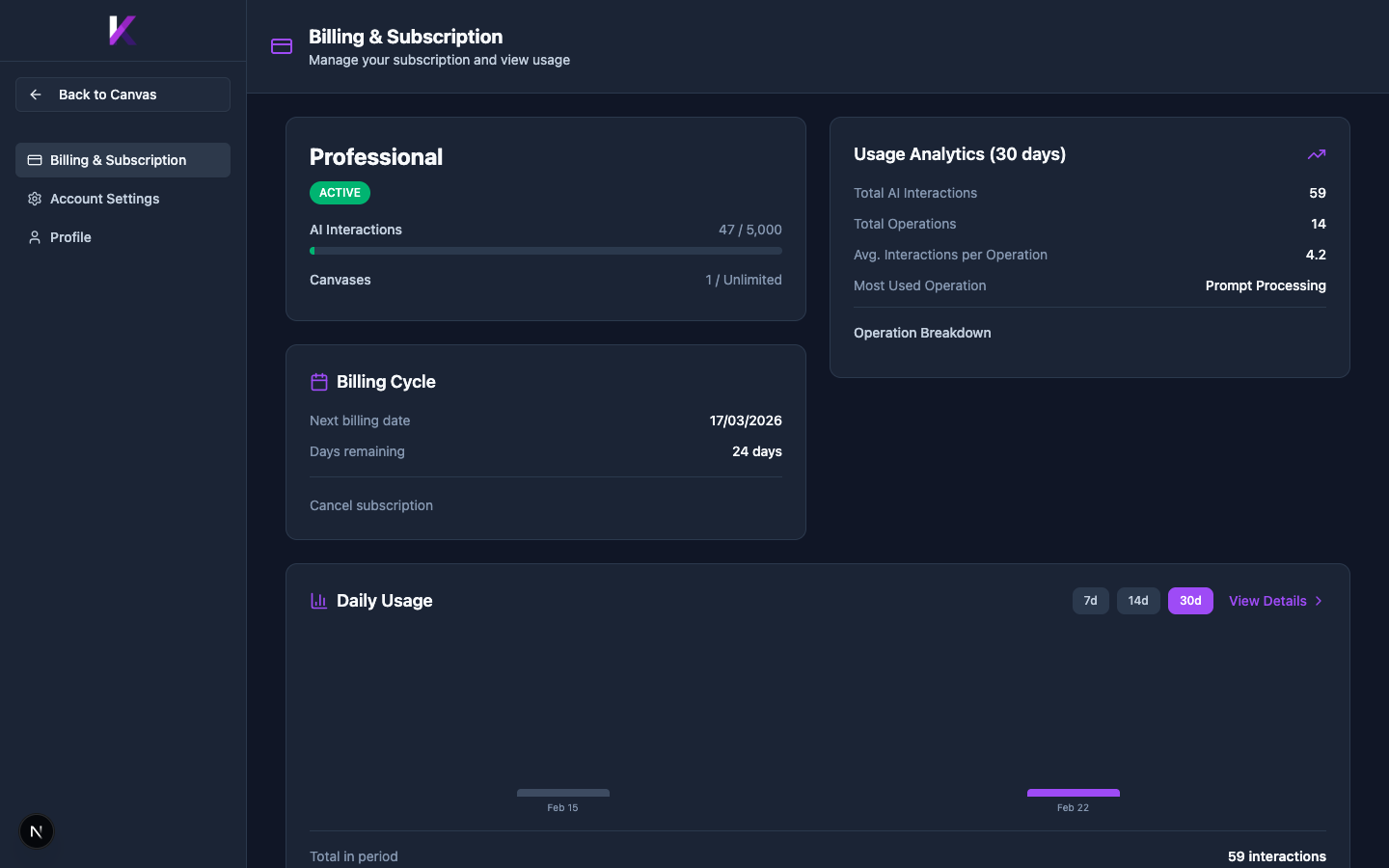
Billing & Subscription
Displays your current plan, AI Interaction usage, number of canvases used, billing cycle details, and usage analytics charts.
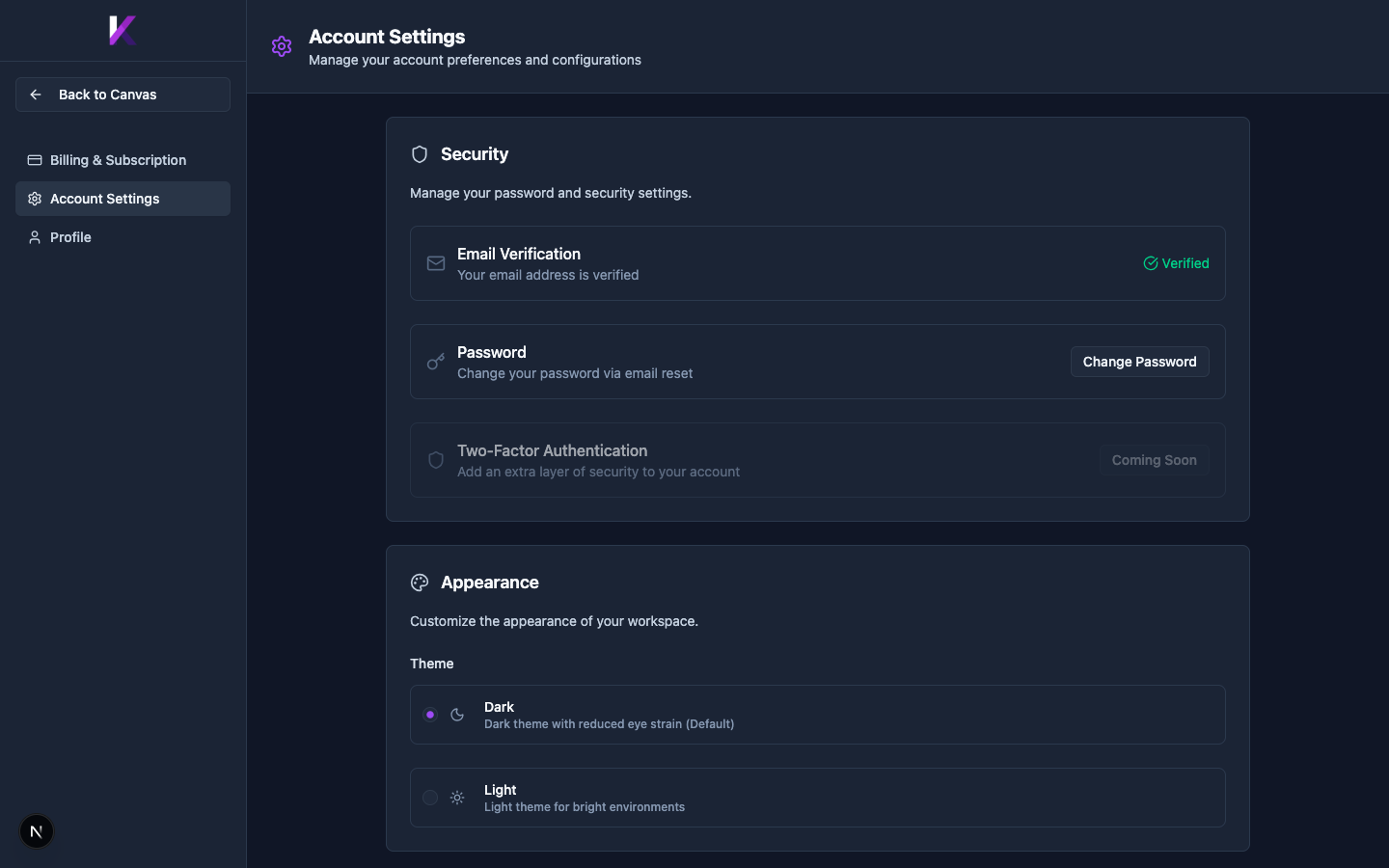
Account Settings
Manage your password (via email reset), check email verification status, and switch between Dark and Light workspace themes. Two-Factor Authentication is listed as coming soon.
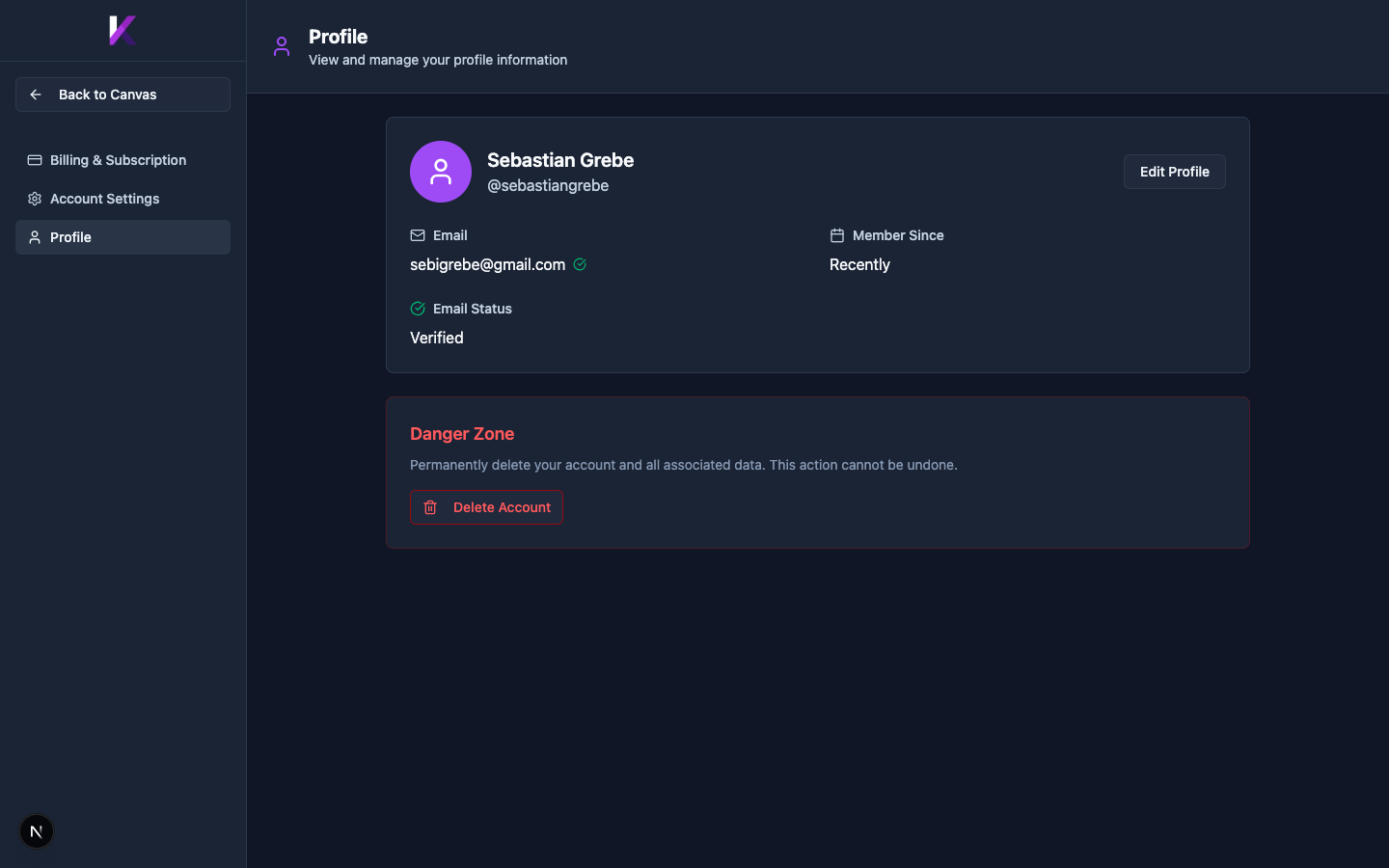
Profile
View and edit your profile information (name, username, email, member since). The Danger Zone at the bottom allows permanent account deletion.